How to track client deliverables and sign-offs across a service team
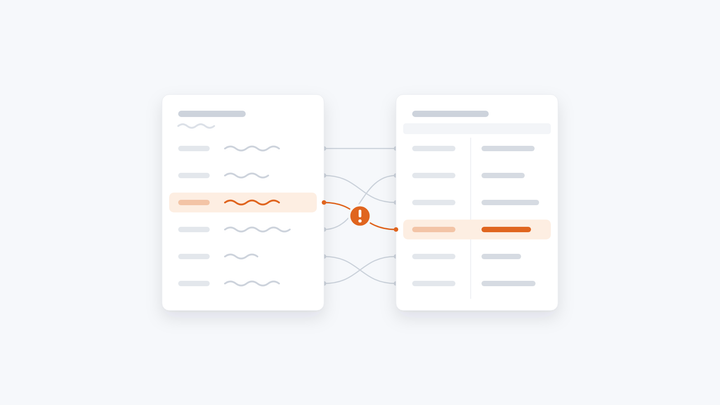
A tracker tells you what's due. It rarely tells you what's in each piece, who approved which version, or what it was built from. What to track, the tools for each part, and where status should come from.
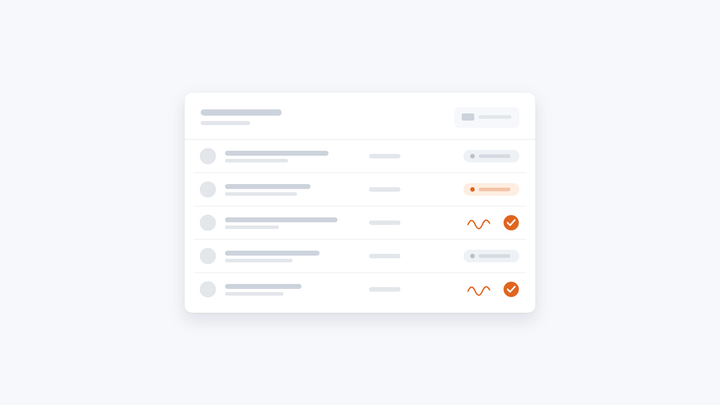
To track client deliverables and sign-offs well, you need three things in one place: a list of everything the team owes, with an owner and a due date; the status of each piece, taken from the work itself rather than typed in by hand; and a record of who reviewed and signed each one, which version they signed, and what it was built from. Most teams have the first in a spreadsheet or a project tool. The second and third are where tracking breaks down.
What to track for each deliverable
- What it is, and which client or project it's for
- Who drafts it, and who reviews and signs it
- When it's due
- Where it stands: in progress, ready for review, signed off, sent
- Which version was signed off
- The files and figures it was built from
- What changed in review, and why
The last three are the ones that matter when a client questions a figure, or when you want to know why one person's drafts keep coming back with the same corrections.
Two kinds of sign-off
"Sign-off" means two different things, and they usually need different tools:
- Internal sign-off. A named person on your team reviews the work and approves it before it goes out. This is about quality and professional responsibility.
- Client acceptance. The client confirms they've received or approved the deliverable. This is often contractual.
Trackers get confusing when both live in the same status column.
Your options
- A spreadsheet tracker. Free and flexible. But its status is whatever someone last typed, so someone spends part of every week chasing updates.
- Project management tools, such as Asana or Monday.com. Tasks, owners, due dates and reminders. Good for coordinating people. The task knows the deliverable is "in review". It doesn't know what's in it, which version was approved, or where its figures came from.
- Professional services automation (PSA) software. Time, billing and resourcing across engagements. Good for the commercial side, not built for reviewing the content.
- E-signature tools and client portals. Good for client acceptance. Not built for your internal review.
- Doing the work and tracking it in the same place. When a deliverable is drafted, reviewed and signed in one tool, its status updates itself. This is how Chaidojo works.
Why status should come from the work
When the work happens in one place and the tracking in another, the tracker is always a step behind, and someone has to keep the two in step by hand. When the draft, the review and the signature happen in the same place, the status can't drift: a piece is under review because a reviewer has it, and signed off because a named person signed it.
How Chaidojo tracks it
Chaidojo drafts the recurring work your team delivers, from your files, and tracks it as it goes:
- One view of everything owed. What's done, what's in progress and what's waiting for you, for every process and every person.
- A clear stage for every piece. Draft, under review, signed off, with who did what.
- A named person signs off. Nothing goes out until they approve it, and you decide who can run and who signs off what.
- A record of every piece. The files it read, the steps it took, who signed it off and what it cost. When a client questions a figure, you can show them the page it came from.
- Edits recorded with their reason. So you can see where your method needs updating.
- Goals that update on their own. Link finished work to a goal such as "every report signed off within a day" and watch progress roll up, instead of typing it into a spreadsheet.
Chaidojo tracks the work that runs through it. If you only need a task list, a project tool is enough. For the client's formal acceptance, keep using your e-signature tool or portal.
Read more: A named person signs off every piece, and how Chaidojo works.
Common questions
Can we see who signed off each deliverable, and when?
Yes. For any report, you can see who ran it, which files and AI models it used, what it cost, and who signed it off.
Can we control who is allowed to sign off?
Yes. You decide who can run and who signs off what, by team and workspace.
Do we have to move the whole team onto it at once?
No. Start with one recurring deliverable. Your first is live within 20 days of us getting access to your data, and nothing else has to change first.