How to automate data reconciliation for environmental site investigations
Field logs, chain-of-custody forms and lab certificates rarely agree on the first pass. Which reconciliation checks to automate, what to leave to your engineer, and how to test it on a past job.
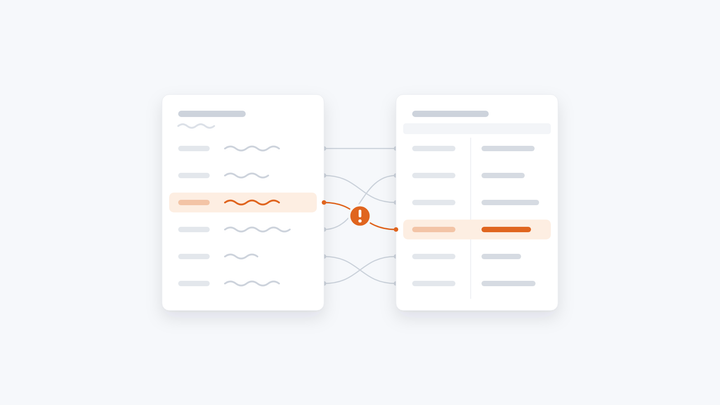
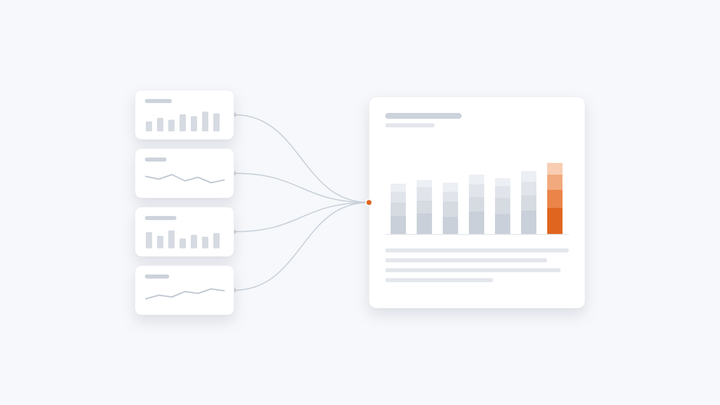
Automating data reconciliation on a site investigation means capturing every value once, matching it to the right sample, checking it against every other place it appears, and putting anything that doesn't agree in front of your engineer before it reaches the report. Your engineer keeps the judgment. The retyping and the checking by eye go.
Where the time goes
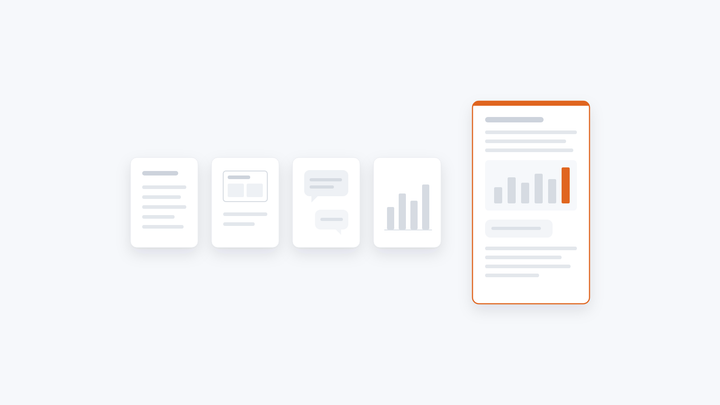
On a typical environmental site investigation, the same sample turns up in four or five places:
- the field or borehole log, often handwritten, with depths and descriptions
- the chain-of-custody form that went to the lab with the samples
- the lab certificates, usually PDFs, sometimes in several batches
- the sample list and results tables in the report's appendices
- the import file for your borehole database, such as gINT
Each one is typed or copied by hand, and every copy is a chance for a sample ID, a depth or a unit to drift. Reconciliation is the work of making them all agree. It usually lands on a senior person, late in the job, checking by eye. A transcription error that gets past them can end up in the recommendations.
The checks worth automating
Most reconciliation follows rules, which makes it the right part to automate:
- Every sample is accounted for. Each sample on the field log appears on the chain of custody and in the lab results, and the lab hasn't reported anything you didn't send.
- IDs, depths and dates match. The same sample has the same ID, depth and date everywhere it appears, including when a lab renames or re-batches it.
- Units and detection limits are consistent. Results in mg/kg aren't mixed with µg/kg, and results below the detection limit are reported the same way throughout.
- Field descriptions fit the lab results. A layer logged as clay in the field and classed as sand in the lab is flagged for a decision, not carried quietly into the report.
- Results are checked against your criteria. Each result is compared with the screening or guideline values your firm uses for that site and land use, and every exceedance is listed.
- The report and its appendices say the same thing. Every figure in the text, the tables and the appendices comes from one approved set of values.
What should stay with your engineer
Automation should surface the disagreements, not settle them. Your engineer decides which reading of a smudged log is right, whether an odd result is a lab error or a real finding, and how an exceedance is reported. A good setup shows each flagged value next to the original sheet, so that decision takes seconds instead of a search through the job folder.
Your options
- Checking by hand. It works, but it uses the most senior time, and accuracy depends on who checks and how late in the day it is.
- Spreadsheet templates and macros. Good at matching once the data is typed in. They don't read handwritten logs or lab PDFs, and they tend to break when a lab changes its format.
- Digital field data capture. Tablets and field apps fix the problem at the source for new jobs. You still have lab PDFs, older paper logs, and the matching between them.
- AI assistants such as ChatGPT or Copilot. Quick for reading a single sheet. But there's no record of which value came from which page, answers can vary from one run to the next, and the work sits in one person's account.
- An AI workflow built for the job. It reads the files as they are, runs your checks, flags disagreements for your engineer, and drafts the report from the approved values. That's what Chaidojo does.
How Chaidojo handles it
Chaidojo reads the job's files as they are, handwritten logs and lab sheets included. Every value is read twice, and wherever the two reads disagree, the value is flagged. Your engineer sees each flag next to the original sheet, with a suggested reading and the reason for it, and approves or corrects it before anything goes into the report.
The checks are set up for your firm, from your past reports and your reviewers' comments. On a site investigation, the draft report, logs, lab results summary, sample list and gINT import file all update as your engineer approves values, so the report and its appendices never disagree. Every edit is recorded with its reason, and the report goes out under your engineer's signature.
You don't need to clean up your data first. Chaidojo works report by report, and your first report type is producing real reports within 20 days of us getting access to your data.
What it has done for one firm
A geotechnical consultancy we work with spent about three days turning each site investigation's field and lab data into a report. With Chaidojo, the analysis and drafting take under an hour once the data is in. The lab work takes as long as it always did, and their engineer still checks and signs every report.
Common questions
Does our data need to be clean first?
No. Chaidojo works from the files your team already uses, as they are. Anything that doesn't add up is flagged for a person to check.
Can it read handwritten field logs?
Yes. Every value is read twice, and anywhere the two reads disagree is flagged for your engineer to check against the original sheet.
Does it replace the engineer's review?
No. Your project lead approves every flagged value, decides how each result is reported, and signs. Chaidojo takes the data entry, the comparisons and the first draft.
Does it work with gINT?
It produces a gINT import file for every site investigation job.